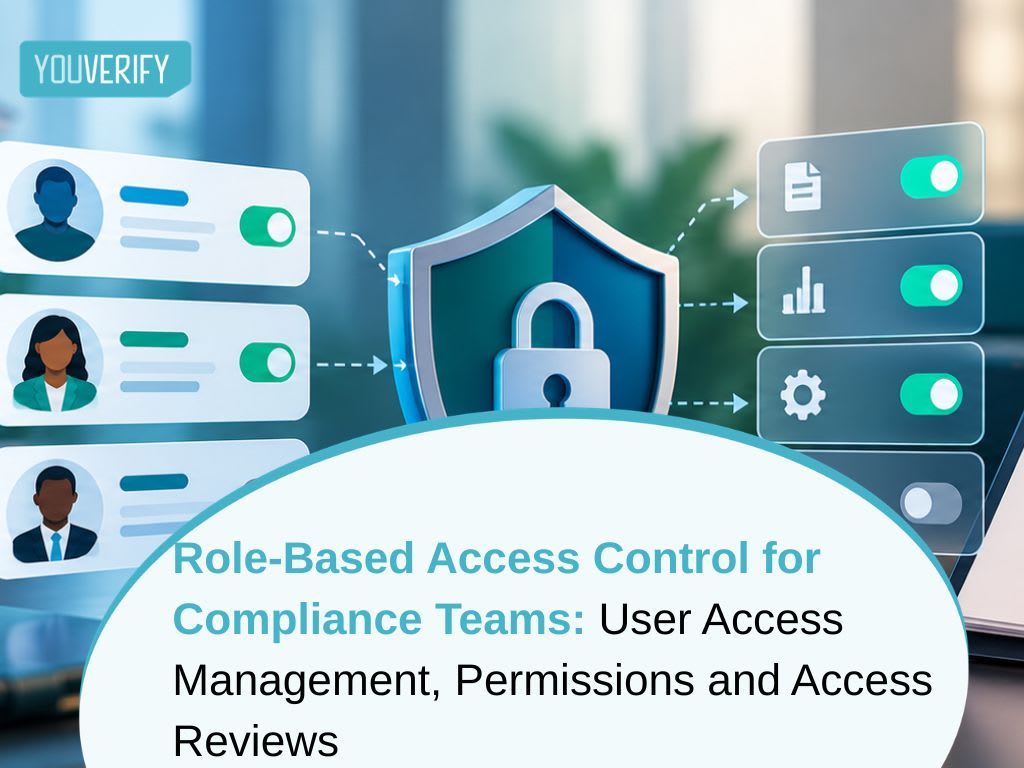
Role-Based Access Control for Compliance Teams: User Access Management, Permissions and Access Reviews
ByVictoria okere
•5mins Read
Key Takeaways
Role-based access control (RBAC) gives users permissions through their job role, not one by one.
Compliance teams need RBAC because they handle sensitive personal data and make decisions regulators may later examine.
Least privilege means each user gets only the access their role needs, and nothing more.
Segregation of duties stops one person from both making and approving a high-risk decision.
Access must be reviewed regularly and revoked promptly when a user leaves, changes role or no longer needs it.
What Is Role-Based Access Control?
Role-based access control (RBAC) is a way of managing user access where permissions are attached to roles, and users are assigned to those roles. The US National Institute of Standards and Technology (NIST)defines RBAC as "a model for controlling access to resources where permitted actions on resources are identified with roles rather than with individual subject identities."
In practice, a compliance analyst does not get a custom list of permissions. They are assigned the "analyst" role, and the role carries the permissions. When they are promoted to team lead, their role changes and their permissions change with it.
Snippet-ready answer: Role-based access control (RBAC) is a method of managing user access where permissions are assigned to roles, such as analyst, reviewer or administrator, rather than to individual users. Users receive access by being assigned a role. This makes access consistent, easier to review and simpler to revoke.
What Is User Access Management?
User access management is the wider process of controlling who can use a system and what they can do in it. It covers creating accounts, assigning roles, reviewing access and removing it when it is no longer needed.
RBAC is a common model for managing access at scale in compliance platforms. Instead of tracking hundreds of individual permissions, administrators manage a small set of clearly defined roles.
Why Access Control Matters for Compliance Teams
Compliance teams sit on some of the most sensitive data a business holds. This includes identity documents, biometric checks, sanctions results, transaction histories and suspicious transaction reports (STRs).
That creates two risks. The first is a data protection risk. If too many people can see customer data, the chance of misuse or leakage rises.
The second is a decision integrity risk. Regulators expect AML decisions to be defensible. If anyone can close a case, change a risk score or edit a record, the institution cannot show who made a decision or why.
Nigerian rules point the same way. The Nigeria Data Protection Act 2023 (NDPA) requires organisations to apply appropriate technical and organisational measures to protect personal data. AMondaq data protection primer lists "access controls such as multi-factor authentication and role-based permissions" as examples of those measures.
For banks, the Central Bank of Nigeria (CBN) issued its Risk-Based Cybersecurity Framework and Guidelines for Deposit Money Banks and Payment Service Banks in 2024, effective 1 July 2024. The framework addresses access-control requirements, including least privilege and separation of duties.
The Core Principles of Access Control for Compliance Teams
Least Privilege
The principle of least privilege means each user gets only the access their role needs. An onboarding officer may need to view identity documents but not export them. A customer support agent may need to see whether a check passed, not the underlying biometric data.
Least privilege limits the damage if an account is compromised or misused. It also makes access reviews faster, because there is less excess access to find.
Segregation of Duties
Segregation of duties means no single person controls a high-risk process from start to finish. In compliance, the most common example is separating the person who investigates an alert from the person who approves its closure.
This is often called the "four-eyes principle." It means a critical action or decision needs review or approval by a second person. In compliance, that usually means a second reviewer signs off a high-risk decision before it takes effect. Our guide toAML case management shows where four-eyes review fits into the alert workflow.
Need to Know
Need to know means access to sensitive information is limited to people who must see it for a specific task. For example, only the money laundering reporting officer (MLRO) and named deputies may need access to filed STRs.
Need to know matters especially for STRs. FATF Recommendation 21 requires confidentiality around suspicious transaction reporting and prohibits tipping off the customer. Wide internal access to STRs makes that harder to guarantee.
Accountability
Every action should be traceable to a named user. Shared logins break this. If three analysts use one account, no one can show who cleared a match or changed a risk rating.
Audit logs should record who did what, when and on which record. This is what makes a decision defensible months or years later.
Typical Roles on a Compliance Platform
Compliance platforms that use RBAC typically work with a small set of roles. The exact names and permissions vary, but a common structure looks like this.
Role
Typical permissions
Typical restrictions
Administrator
Add and remove users, assign roles, configure settings
Should not also approve high-risk cases
Compliance analyst
View customers, run checks, investigate alerts, propose decisions
Cannot approve their own escalated cases
Senior reviewer or MLRO
Approve or reject escalated cases, sign off STRs
Limited to their assigned business units
Onboarding officer
Start and view verification checks
Cannot change risk rules or close AML cases
Auditor
Read-only access to records and audit logs
Cannot change any data
Developer
Manage API keys and integrations in test environments
No access to live customer data unless required
The table is a starting point, not a standard. Each institution should map roles to its own structure, risk appetite and regulatory obligations.
Snippet-ready answer: A typical compliance platform uses roles such as administrator, compliance analyst, senior reviewer or MLRO, onboarding officer, auditor and developer. Each role carries only the permissions that job needs. High-risk actions, such as approving an escalated case, are reserved for senior roles so no one approves their own work.
How to Manage the User Access Lifecycle
Granting Access
Access should start with an approved request. The request should name the user, the role and the reason. An administrator then assigns the role, rather than building custom permissions for that person.
Strong authentication should be in place from the first login. Multi-factor authentication (MFA) is the usual baseline for systems holding customer data.
Changing Access
When a user changes jobs, their old role should be removed before the new one is added. The common failure is "access creep," where users collect permissions from every role they have held.
Reviewing Access
A user access review is a regular check that every user still needs the access they hold. The reviewer, usually the user's manager or the system owner, confirms or removes each user's role.
As a common baseline, many institutions review access at least once or twice a year, and more often for privileged roles such as administrators. This is general practice, not a fixed regulatory requirement. The right frequency depends on the institution's risk assessment and its regulator's expectations.
Revoking Access
Access should be revoked as soon as it is no longer needed. Common triggers include a staff member leaving, a contractor's engagement ending or a role change.
Pending or inactive accounts need attention too. An account that was invited but never activated, or has not been used for months, is a risk. It can be taken over without anyone noticing. Regular reviews should flag these accounts for removal or deactivation.
When access is revoked, the user's past actions must stay in the audit log. Removing a user should never remove the record of what they did.
Snippet-ready answer: Access should be revoked as soon as a user leaves, changes role or no longer needs it. Revocation should remove the user's ability to log in and act, while keeping their past actions in the audit log. Inactive and never-activated accounts should also be reviewed and removed.
A Real-World Compliance Scenario
Consider a Nigerian fintech with a ten-person compliance team. Everyone has administrator access because it was quicker to set up at launch.
An analyst investigating a high-risk merchant decides the alerts are false positives. With administrator access, she closes all of them herself. No one else reviews the decision.
Six months later, the merchant is linked to a fraud ring. The regulator asks who cleared the alerts and who approved the decision. The fintech can show who closed them, but not that anyone checked her work.
With role-based access control in place, the same analyst could only propose closure. A senior reviewer would have to approve it. The audit log would show both decisions, and the fintech would have a defensible answer.
Common Access Control Mistakes
The first mistake is giving everyone administrator access to save time. It removes every control at once.
The second is using shared logins. They destroy accountability, because no action can be tied to a named person.
The third is never reviewing access. Over time, users collect permissions they no longer need, and former staff keep accounts they should not have.
The fourth is letting the same person make and approve high-risk decisions. This defeats segregation of duties and weakens every decision that person touches.
Every alert's audit trail records who worked the case, what they decided and when. This keeps decisions traceable to a named user.
Conclusion
Role-based access control turns user access management from a list of individual permissions into a small set of clear, reviewable roles. For compliance teams, that is not just tidy administration. It protects customer data and makes every decision traceable to a named person.
The principles are simple: least privilege, segregation of duties, need to know and accountability. The discipline is in reviewing access regularly and revoking it promptly.
See How Youverify Keeps Compliance Decisions Accountable
If your team needs four-eyes review and a full audit trail on every decision, book a free demo today to see how it works.
Victoria Okere is a compliance content writer at Youverify, specializing in AML compliance, financial crime risk, regulatory technology, and emerging trends in financial services.
FAQs
Frequently Asked Questions
Role-based access control (RBAC) is a method of managing user access where permissions are assigned to roles rather than to individual users. Users receive access by being assigned a role, such as analyst or reviewer. This makes access consistent, easier to review and simpler to revoke when someone leaves.
RBAC is traditionally built on three rules. Role assignment means a user can act only if they have been given a role. Role authorisation means a user may only take on roles they are authorised to hold. Transaction or permission authorisation means a user can perform an action only if it is authorised through their role.
Neither is better in every case. RBAC grants access by role and is simpler to set up and review. Attribute-based access control (ABAC) grants access using attributes, such as location, time or data type, and is more flexible but more complex. Many organisations use RBAC as the base and add attributes where needed.
The four commonly cited types are discretionary access control (DAC), mandatory access control (MAC), role-based access control (RBAC) and attribute-based access control (ABAC). RBAC is a common choice for compliance platforms, sometimes combined with attribute-based rules for sensitive data.
Role-based access control grants permissions according to a user's job role. Rule-based access control grants or denies access according to set conditions, such as time of day or network location, that apply to everyone. The two are often combined.
Administrators assign each user a role, and the role carries the permissions that job needs. Access is reviewed regularly, high-risk actions require a second approver, and access is revoked when a user leaves or changes role. Every action is recorded in an audit log.