
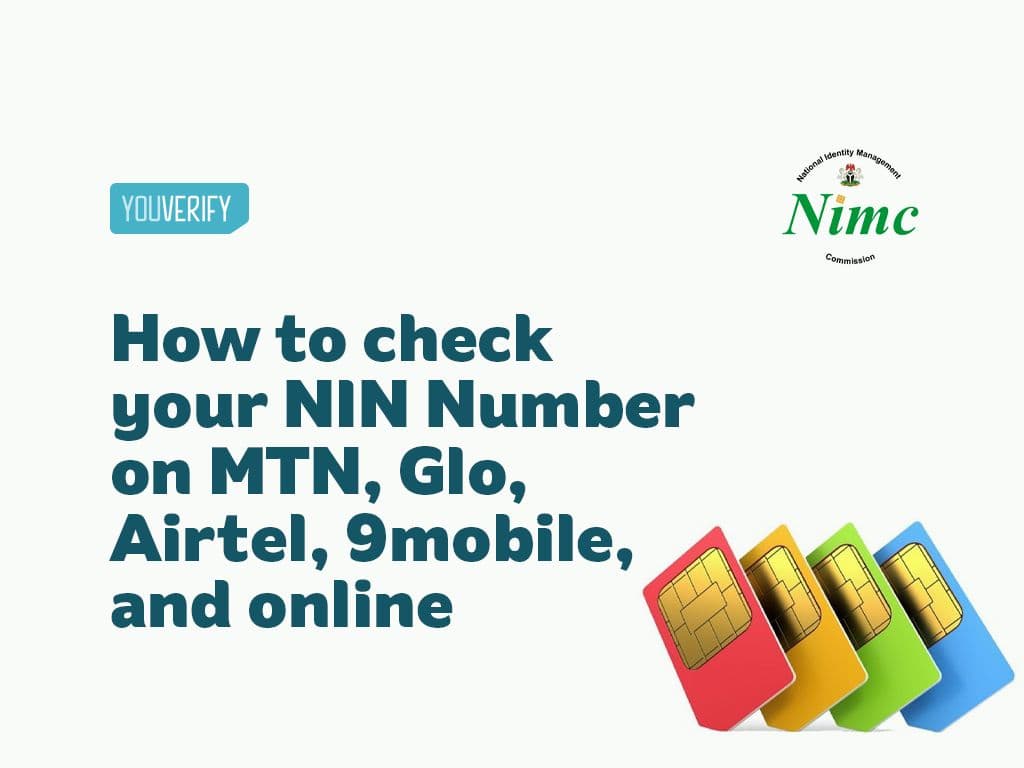
Code to Check NIN Number on MTN, Glo, Airtel & 9mobile (2026 USSD Guide)
Key Takeaways
Quick Reference: NIN Check Codes by Network
Network | USSD Code | What You'll See | Cost |
| MTN | *346# | Your NIN displayed on screen | ₦20 |
| Glo | *346# | Your NIN displayed on screen | ₦20 |
| Airtel | *346# | Your NIN displayed on screen | ₦20 |
| 9mobile( Now T2) | *346# | Your NIN displayed on screen | ₦20 |
You can check your National Identification Number (NIN) on any Nigerian mobile network using a USSD code, no internet required. On MTN, dial *346*3*NIN#. On Glo, dial *785*NIN#. On Airtel, dial *121*1#. On 9Mobile, dial *200*1#. All codes are verified and updated for 2026.
Having a NIN is now non-negotiable for every citizen and legal resident in Nigeria. It is linked to your bank account, mobile phone, drivers license, voters card, and virtually every government database. Because it is an 11-digit number, it is easy to forget, especially when you need it quickly during a registration or loan application.
The good news is that retrieving your NIN takes less than a minute. All you need is your registered SIM card. Here is a complete guide to checking your NIN on every network, using the NIMC app, and what to do if nothing is working.
NIN USSD Codes: All Networks at a Glance
Before we go into the step-by-step breakdown, here is a quick reference for all four major networks:
- MTN: Dial *346*3*NIN# or *346# and select NIN Retrieval
- Glo: Dial *785*NIN# or *346#
- Airtel: Dial *121*1# or *346#
- 9Mobile: Dial *200*1# or *346#
Note that all USSD NIN checks cost N20, which is deducted from your airtime balance. Make sure you have at least N20 before you dial. The only free option is the NIMC MWS Mobile ID app, covered further below.
Why Your NIN Matters
At this point, you practically cannot function properly in Nigeria without a NIN. Here is what you cannot access without one:
- National e-ID card
- Drivers license
- Voters card
- Bank account opening or reactivation
- SIM card registration
- Government social benefits and loan schemes
The Nigerian government has linked NIN to almost every formal system, so knowing how to retrieve yours quickly is something every Nigerian should have sorted.

How to Check NIN on MTN (USSD Code)
The code to check NIN on MTN is 346#, or 3463NIN# if you already know your NIN and just want to confirm it.
Steps to check your NIN on MTN
Step 1: Open your phone dialer and dial *346# from the MTN SIM you used during NIN registration
Step 2: Select option 1 for "NIN Retrieval" from the menu that appears
Step 3: Follow the on-screen prompts and enter any requested details
Step 4: Your NIN will be displayed on your screen
If 346# does not respond, dial 3463NIN# directly to skip the menu, or check your status through the MTN NIN Status Portal online. This only works from the exact SIM you used during NIN registration at NIMC, and N20 will be deducted from your airtime balance once the code runs.
If you get a "not registered" error, your NIN is not yet linked to that MTN line, see "How to link NIN to MTN" below, or use the free NIMC app instead.
How to link NIN to MTN
If your NIN is not yet linked to your MTN line, you will get an error when you dial. Here is how to link it:
- Dial *785# and follow the prompts to enter your NIN, or dial *785*NIN# directly
- Send your NIN as an SMS to 785
- Download the myMTN app, log in, and enter your NIN under your profile
- Visit the MTN official website and submit your NIN there
How to Check NIN on Glo (USSD Code)
To check your NIN on Glo, dial *346# or *996# from the Glo SIM you registered your NIN with.
Steps to check your NIN on Glo
- Dial *346# from your registered Glo SIM
- Select the "NIN Retrieval" option from the menu
- Follow the prompts to retrieve your NIN
Alternatively, dial *996# and follow the prompts provided. Both codes work, so use whichever responds faster on your line.
If your NIN is not yet linked to your Glo SIM, visit the nearest Glo service centre or an authorised SIM registration agent to complete the linking process before trying again.
How to link NIN to Glo
- Dial *109# from the SIM you want to register and enter your NIN when prompted, or dial *109*NIN# directly
- Send your NIN as an SMS to 109
- Visit the Glo official website and submit your NIN there
How to Check NIN on Airtel (USSD Code)
The code to check NIN on Airtel is *346#, or 1211# as an Airtel-specific alternative if *346# does not respond.
Steps to check your NIN on Airtel
Step 1: Open your dialer and dial *346# from the Airtel SIM you used during NIN enrollment
Step 2: Select "NIN Retrieval" from the menu options
Step 3: Provide any required information when prompted
Step 4: Your NIN will appear on your screen, write it down or save it somewhere secure
Both *346# and 1211# are provided directly by NIMC and work across all registered Airtel lines. Make sure you're dialing from the exact SIM used during enrollment, N20 will be deducted from your balance, and dialing from the wrong SIM will return an error or someone else's NIN.
If you get a "not registered" error, your NIN isn't linked to that Airtel line yet, see "How to link NIN to Airtel" below, or use the free NIMC app instead.
How to link NIN to Airtel
- Dial *121*1# from your Airtel SIM and enter your NIN when prompted
- For Airtel ODU digits and router/MiFi devices, visit the Airtel official website for the specific linking process
How to Check NIN on 9Mobile (USSD Code)
To check your NIN on 9Mobile, dial *200*1# or *346# from the 9Mobile SIM that is linked to your NIN.
Steps to check your NIN on 9Mobile
- Dial *200*1# from your registered 9Mobile SIM
- Follow the on-screen prompts to retrieve your NIN
- Your NIN will be displayed once the process is complete
If *200*1# does not respond, try *346# instead. Both should work on 9Mobile lines that have been linked to a NIN.
How to link NIN to 9Mobile
- Dial *996# from the SIM you want to register and supply your NIN details when prompted
- Visit the 9Mobile official website and submit your NIN directly
How to Check NIN Using the NIMC App (Free)
If you want to check your NIN without spending N20 on airtime, the NIMC MWS Mobile ID app is the way to go. It is completely free and available on both Android and iOS.
Steps to check NIN using the NIMC app
- Download the "MWS: NIMC Mobile ID" app from the Google Play Store or Apple App Store
- Open the app and enter your registered phone number
- Verify your identity using the OTP sent to your phone
- Your NIN will be displayed on the home screen at no cost
The app also lets you connect up to 7 different phone numbers to your NIN at the same time. Here is how to do that:
- Open the NIMC Mobile app
- Select "MY DEVICES" on the home page
- Tap "ADD MOBILE NUMBER" and enter the number you want to link
- An OTP will be sent to that number, which you enter to complete the process
READ ALSO: How to Generate Virtual NIN (vNIN) via NIMC App and USSD Code
How to Check NIN Online via NIMC Portal
At the moment, there is no NIMC platform that lets you check your full NIN number through a web browser. The online portal is used for pre-enrollment and certain administrative processes, not for NIN retrieval.
What you can do online is pre-enroll for your NIN if you have not done so yet:
- Visit the NIMC official website
- Complete the pre-enrollment form with your personal details
- Print the summary sheet that contains your 2D Barcode
- Take the sheet to any registered NIMC enrollment centre for data capture and processing
Note that NIN enrollment is a once-in-a-lifetime process. Once you have enrolled, you cannot repeat it.
If you have already enrolled but cannot remember your NIN, the fastest way to retrieve it is to dial *346# from your registered SIM, or use the NIMC MWS Mobile ID app as described above.
Also, read more on how to apply for NIN registration online.
What to Do If Your NIN Is Not Found
If you dial the USSD code and get an error or no result, here is what each situation means and how to fix it.
1. "Number not registered" or "NIN not found"
This means your SIM card is not yet linked to your NIN. You need to visit a NIMC office or your network provider to link them before the code will work.
2. "Insufficient airtime"
You need at least N20 on your SIM before dialing. Top up and try again. Or use the NIMC app instead, which is free.
3. "Transaction failed" or no response
Try again after a few minutes as the NIMC server may be temporarily busy. If it keeps happening, try a different network or switch to the NIMC app.
4. Wrong NIN showing up
Make sure you are dialing from the exact SIM you used when you registered for your NIN at NIMC. Each SIM only shows the NIN it is linked to, so dialing from the wrong SIM gives you either an error or someone else's number.
5. None of the above worked
Visit the nearest NIMC office with a valid ID. They can retrieve your NIN for you at no cost and help resolve any linking issues on the spot.
How Do I Find My NIN?
If you have never enrolled before, you need to go through the full NIMC enrollment process to receive a NIN. This involves pre-enrolling on the NIMC website, printing your summary sheet with the 2D barcode, and visiting a registered enrollment centre for biometric data capture. NIN is issued only after this in-person step is complete.
If you have already enrolled but forgotten your NIN, you have three reliable options, in order of speed:
Fastest: Dial *346# from the exact SIM you used during NIN registration and select "NIN Retrieval." This works on MTN, Glo, Airtel, and 9mobile, and costs N20 in airtime.
Free: Download the NIMC MWS Mobile ID app, verify your phone number with an OTP, and your NIN will be displayed on the home screen at no cost.
No phone access: Visit any NIMC office in person with a valid ID (national passport, driver's license, or voter's card). Staff can retrieve your NIN for you on the spot, free of charge.
If none of these work, for example, if your SIM is lost and you no longer have access to any linked number, the in-person NIMC office visit is your only remaining option, since both the USSD codes and the app depend on access to a registered phone number.
How to Know the Number Linked to Your NIN
If you want to find out which phone number is linked to your NIN, the easiest way is through the NIMC MWS Mobile ID app. Open the app, log in, and check the "MY DEVICES" section, this lists every phone number currently connected to your NIN profile.
If you no longer have access to any of the linked numbers, USSD codes won't work for you, since they only retrieve information for the SIM that's dialing. In that case, visit the nearest NIMC office with a valid ID and they will look up the linked number(s) for you directly.
How to Register for NIN Online
You cannot complete NIN registration entirely online, but you can start the process from home through the NIMC pre-enrollment portal. Here is how:
- Visit the NIMC official website and locate the pre-enrollment form
- Fill in all the requested personal information carefully
- Print the summary sheet that contains your 2D Barcode at the end
- Take the printed sheet to any registered NIMC enrollment centre for data capture and biometric processing
Your NIN is issued after the in-person data capture is complete. Remember, this can only be done once, so make sure your details are accurate before you submit.
Bottom Line
Checking your NIN on any Nigerian network is straightforward once you know which code to use. *346# works across MTN, Glo, Airtel, and 9Mobile. If you want to avoid the N20 charge, the NIMC MWS Mobile ID app gives you your NIN for free anytime.
Keep your NIN saved somewhere secure. You will need it for everything from bank account verification to government registrations, and having it on hand saves a lot of time.
For businesses that need to verify customer NINs at scale during onboarding, Youverify's NIN Verification API checks NIN data against NIMC records in real time, no manual USSD required. Book a demo to see how it fits into your KYC flow.
- Complete the pre-enrollment form with your personal details
- Print the summary sheet that contains your 2D Barcode
- Take the sheet to any registered NIMC enrollment centre for data capture and processing
Note that NIN enrollment is a once-in-a-lifetime process. Once you have enrolled, you cannot repeat it.
If you have already enrolled but cannot remember your NIN, the fastest way to retrieve it is to dial *346# from your registered SIM, or use the NIMC MWS Mobile ID app as described above.
What to Do If Your NIN Is Not Found
If you dial the USSD code and get an error or no result, here is what each situation means and how to fix it.
"Number not registered" or "NIN not found"
This means your SIM card is not yet linked to your NIN. You need to visit a NIMC office or your network provider to link them before the code will work.
"Insufficient airtime"
You need at least N20 on your SIM before dialing. Top up and try again. Or use the NIMC app instead, which is free.
"Transaction failed" or no response
Try again after a few minutes as the NIMC server may be temporarily busy. If it keeps happening, try a different network or switch to the NIMC app.
Wrong NIN showing up
Make sure you are dialing from the exact SIM you used when you registered for your NIN at NIMC. Each SIM only shows the NIN it is linked to, so dialing from the wrong SIM gives you either an error or someone else's number.
None of the above worked
Visit the nearest NIMC office with a valid ID. They can retrieve your NIN for you at no cost and help resolve any linking issues on the spot.
How Do I Find My NIN?
If you have never enrolled before, you need to go through the full NIMC enrollment process to receive your NIN. This involves pre-enrolling on the NIMC website and then visiting a registered centre to complete data capture.
If you have already enrolled but forgotten your NIN, here are your options:
- Dial *346# from your registered SIM and select NIN Retrieval
- Use the NIMC MWS Mobile ID app (free, no airtime needed)
- Visit any NIMC office with a valid ID and they will retrieve it for you
How to Register for NIN Online
You cannot complete NIN registration entirely online, but you can start the process from home through the NIMC pre-enrollment portal. Here is how:
- Visit the NIMC official website and locate the pre-enrollment form
- Fill in all the requested personal information carefully
- Print the summary sheet that contains your 2D Barcode at the end
- Take the printed sheet to any registered NIMC enrollment centre for data capture and biometric processing
Your NIN is issued after the in-person data capture is complete. Remember, this can only be done once, so make sure your details are accurate before you submit.
Bottom Line
Checking your NIN on any Nigerian network is straightforward once you know which code to use. *346# works across MTN, Glo, Airtel, and 9Mobile. If you want to avoid the N20 charge, the NIMC MWS Mobile ID app gives you your NIN for free anytime.
Keep your NIN saved somewhere secure. You will need it for everything from bank account verification to government registrations, and having it on hand saves a lot of time.
For businesses that need to verify customer NINs at scale during onboarding, Youverify's NIN Verification API checks NIN data against NIMC records in real time, no manual USSD required. Book a demo to see how it fits into your KYC flow.
Frequently Asked Questions
How to Perform Driver's License Verification Online
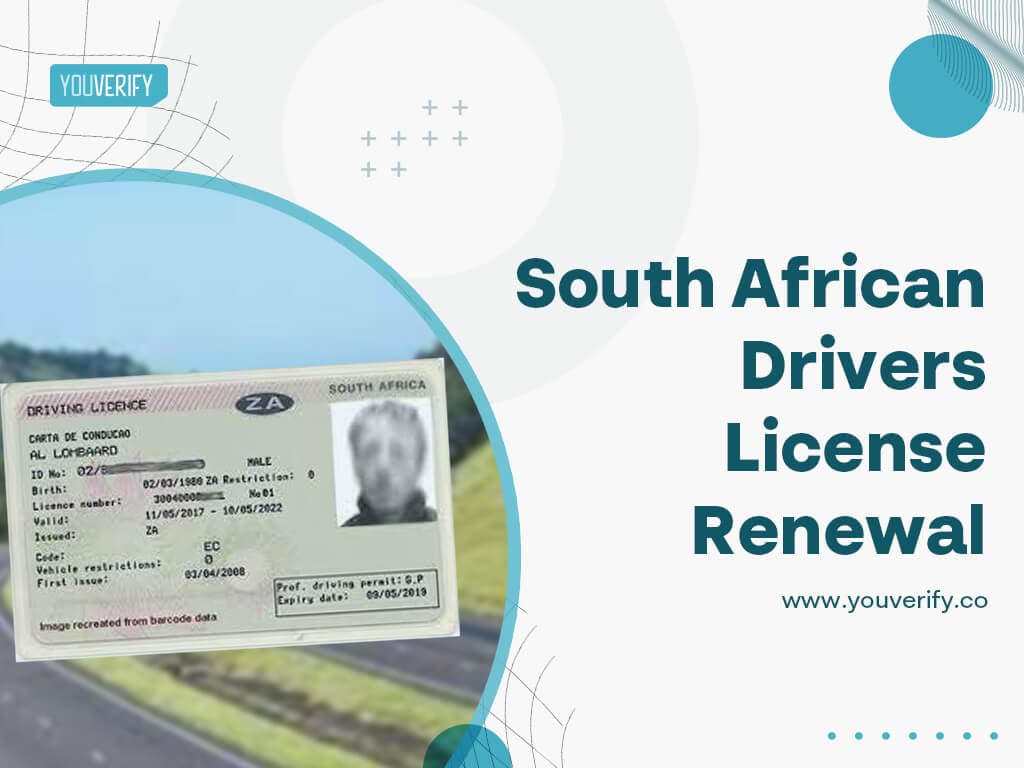
How To Renew Your Driver's License In South Africa